

Overview
Store your LLM API keys in Buckle and the gateway injects them into requests automatically. Agents call model APIs without ever seeing the raw key.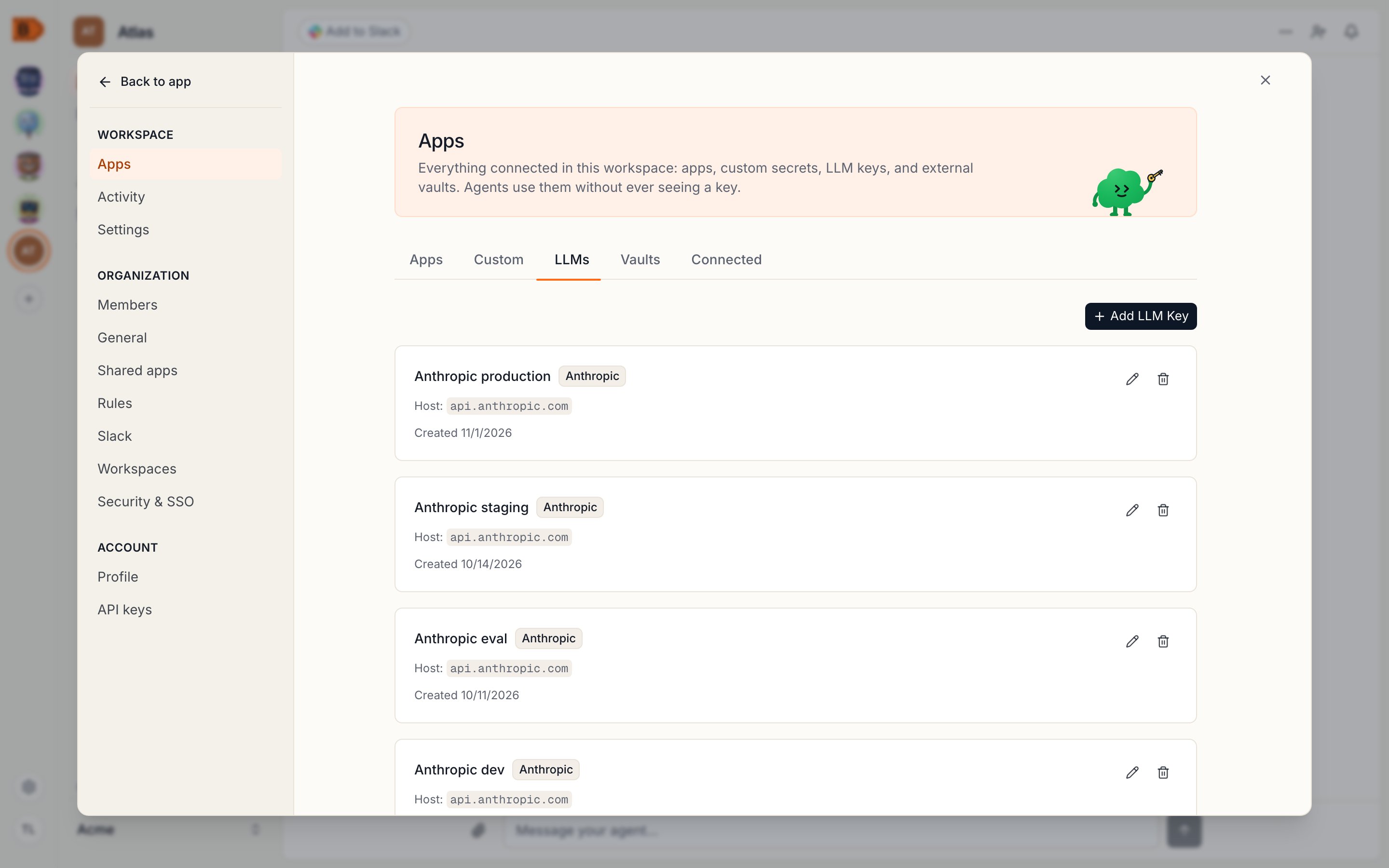
What you will set up
- An LLM key for each provider you use, stored encrypted in Buckle
- Automatic injection into the right header for each provider host
- Per-agent access to each key, with optional rules
How it works
- You add an API key in the Buckle dashboard under Settings > Apps > LLMs
- Buckle encrypts and stores the key (AES-256-GCM at rest)
- When an agent sends a request to a matching host (e.g.
api.anthropic.com), the gateway injects the key into the appropriate header - The request is forwarded to the provider
Controlling access
Access is per agent: attach the key to each agent that needs it — an agent without the grant can’t use it at all. Organization rules add guardrails on top: rate-limit requests, restrict agents to specific models by blocking certain paths, or flag high-cost operations for manual approval. Everything is checked before credential injection, so a blocked request never reaches the provider.FAQ
How do I rotate an LLM API key?
How do I rotate an LLM API key?
Create a new key with the provider, then update it in the Buckle dashboard. All agents pick up the new key automatically.
How do I keep LLM keys out of the agent's context?
How do I keep LLM keys out of the agent's context?
Store them in Buckle instead of
OPENAI_API_KEY or ANTHROPIC_API_KEY. The gateway injects the key at the proxy, so the agent never holds it. See How it works.Can I use a Claude or ChatGPT subscription instead of an API key?
Can I use a Claude or ChatGPT subscription instead of an API key?
How do I get started?
How do I get started?
Follow the quickstart, then add a key under Settings > Apps > LLMs and attach it to an agent.